6/14/2026
How to Install IPTV on Samsung Smart TV Without Sideloading
The clean way using Smart IPTV, SS IPTV, or your provider's portal. No factory reset, no developer mode.
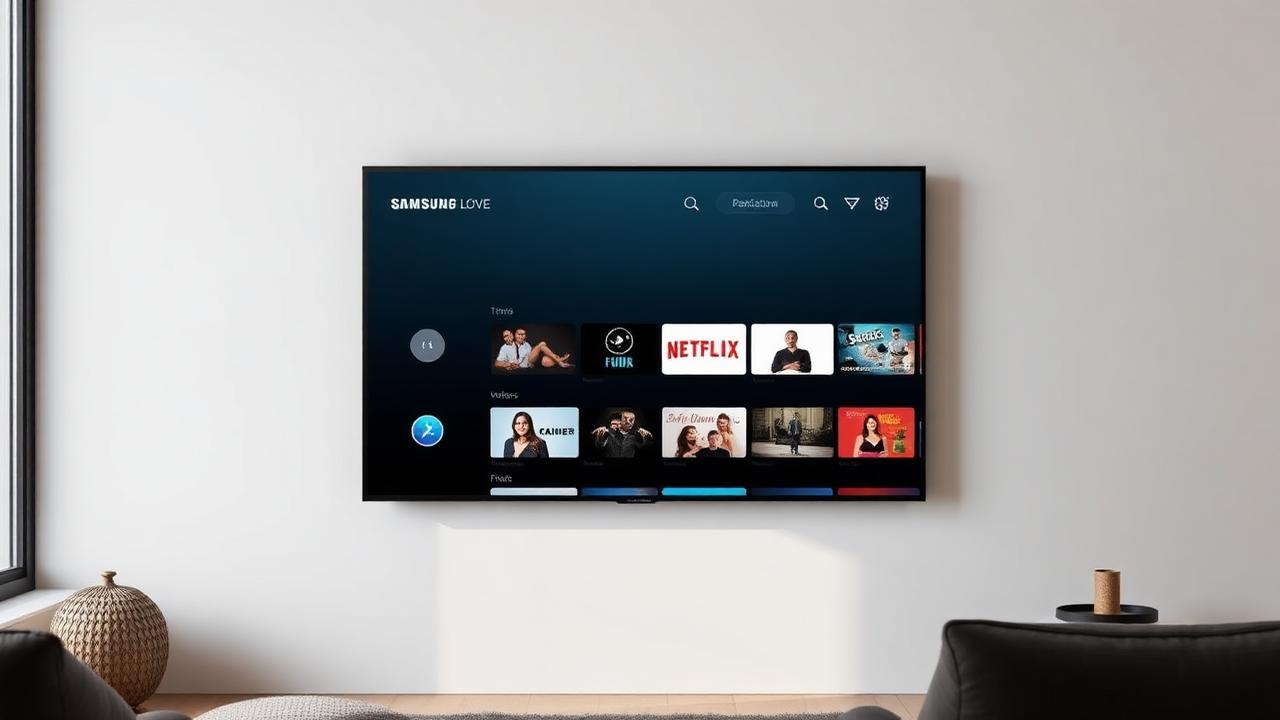
Samsung's Tizen OS doesn't let you sideload random APKs — and you don't need to. Three official, Samsung-Store apps cover virtually every IPTV use case: Smart IPTV (SIPTV), SS IPTV, and your provider's own Tizen portal.
Option 1 — Smart IPTV (SIPTV)
The most popular Samsung IPTV app. One-time small activation fee after the 7-day trial.
Steps
- On your TV: Smart Hub → Apps → search "Smart IPTV" → Install.
- Open the app and note the MAC address shown on screen.
- On your computer, go to
siptv.app/mylist. - Enter the MAC, upload your M3U file (or paste the M3U URL), save.
- Restart the app on your TV — channels load.
Option 2 — SS IPTV
Free, no activation fee, but the UI is more dated.
- Smart Hub → Apps → search "SS IPTV" → Install.
- Open the app → Settings → General → Get Code.
- On your computer, go to
ss-iptv.com/en/users/playlistand enter the code. - Upload M3U or paste URL → Save.
- Channels appear under Playlists on the TV.
Option 3 — Your Provider's Native Tizen App
Premium IPTV providers often ship their own Samsung-Store app. The setup is just:
- Install from the store.
- Log in with the username and password your provider gave you.
- Done — channels and EPG load automatically.
If your provider doesn't have a Tizen app, use Option 1 or 2.
What If "Smart IPTV" Isn't in My Region's Store?
Samsung restricts some apps by country.
- Settings → General → System Manager → Smart Hub → Reset Smart Hub.
- Set your region to United Kingdom or Germany before re-logging in to your Samsung account.
- SIPTV will now appear in the store.
(You do not need to factory reset the TV.)
Tizen vs Older Samsung Models
- Tizen TVs (2016+) — SIPTV and SS IPTV both work.
- Orsay TVs (2013–2015) — only SS IPTV works.
- Pre-2013 — neither store app works; use an external Firestick or Android box.
FAQ
Is Smart IPTV legal?
The app is legal worldwide — it's just a player. Legality depends on the IPTV subscription you load into it.
Can I install TiviMate on Samsung Smart TV?
No. TiviMate is Android-only. To use TiviMate on a Samsung TV you need an external Firestick, Android TV box, or Nvidia Shield.
Do I lose channels when the TV updates?
No — your M3U is stored on Samsung's servers tied to the TV's MAC address. Updates don't wipe it.
Related community threads
- IPTV Smarters keeps crashing on Samsung Smart TV — any fix? — Firestick/Smart TV category.
- Getting started on Tizen? See the Setup Guides.
- Not sure where the issue is? Try the AI Troubleshooter.